
HQ round tooth holders: model, carbide option and dimensions
HQ round holders position cutting teeth in the tool assembly. The product family consolidates the listed HQ holder choices so model and configuration can be compared together. The holder code must be accompanied by seating and mounting dimensions.
HQ Round Holders
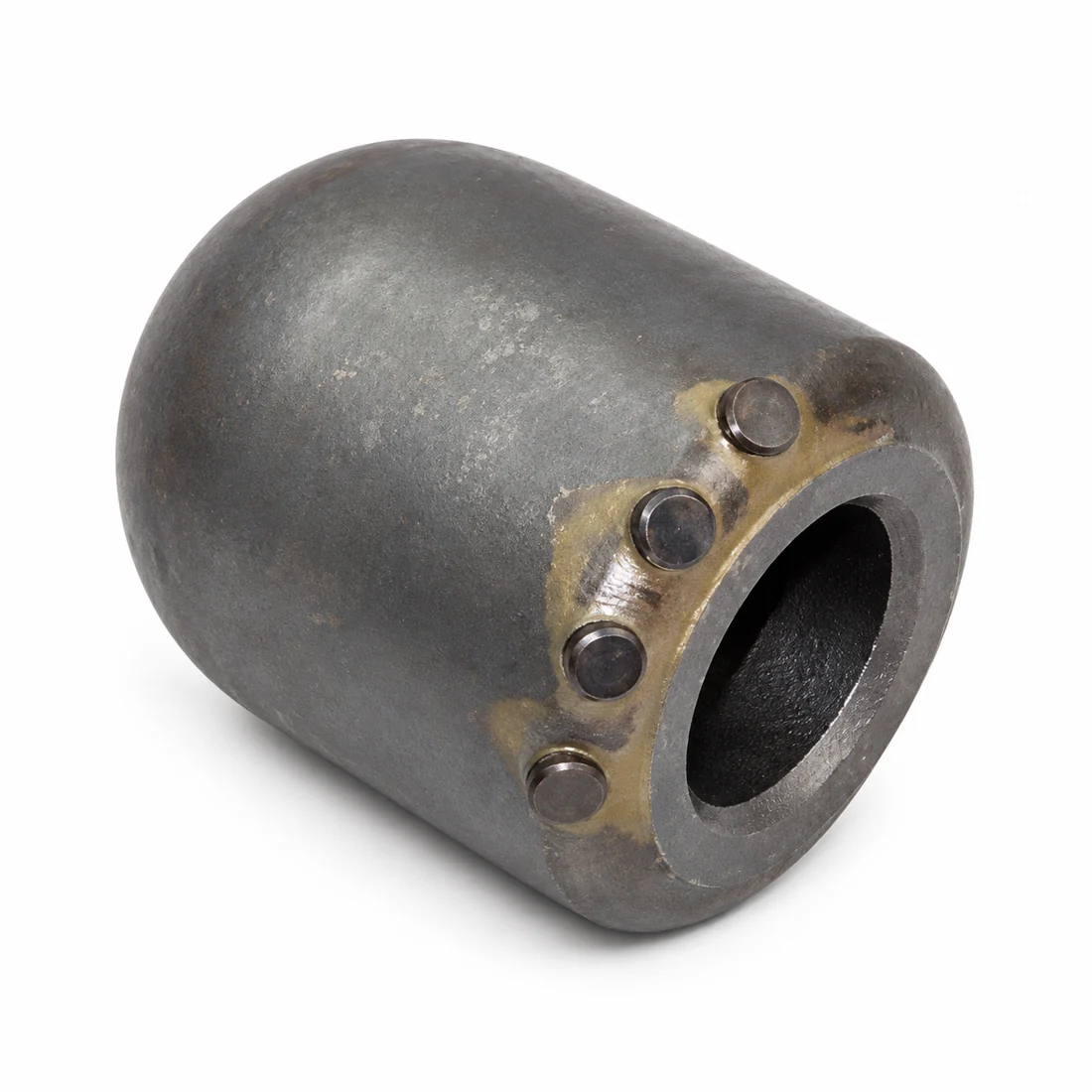
How to specify the right configuration
Identify the required HQ model and whether the requested configuration includes carbide buttons. Confirm the tooth interface, outside profile, mounting dimensions and orientation. Record each variant and quantity separately for a mixed order.
Catalog specifications and listed options
HQ round tooth holders available with or without carbide buttons. Confirm socket dimensions, mounting details and tooth compatibility before ordering.
- With carbide buttons
- Without carbide buttons
Assembly review and inspection
Send close-up photos of the holder face and base and a marked tool drawing. The carbide option should be selected as part of the confirmed wear arrangement, not used to infer an unlisted service-life guarantee. Review tooth seating and holder wear together.
Which HQ round-holder configurations are listed?
The options are with carbide buttons and without carbide buttons. Specify the option, socket dimensions, mounting details and mating tooth; the option name does not confirm fit.
Preparing a quotation request in Saudi Arabia
- Identify the rig model, product, quantity and application; include the ground profile when specifying a cutting tool.
- Send a dimensioned drawing or clearly scaled photos. Identify mating components and distinguish measured dimensions from estimates.
- State the delivery city, required date and project documentation requirements. Confirm the included components before ordering.